
Trezor Review: The Original Hardware Wallet Tested

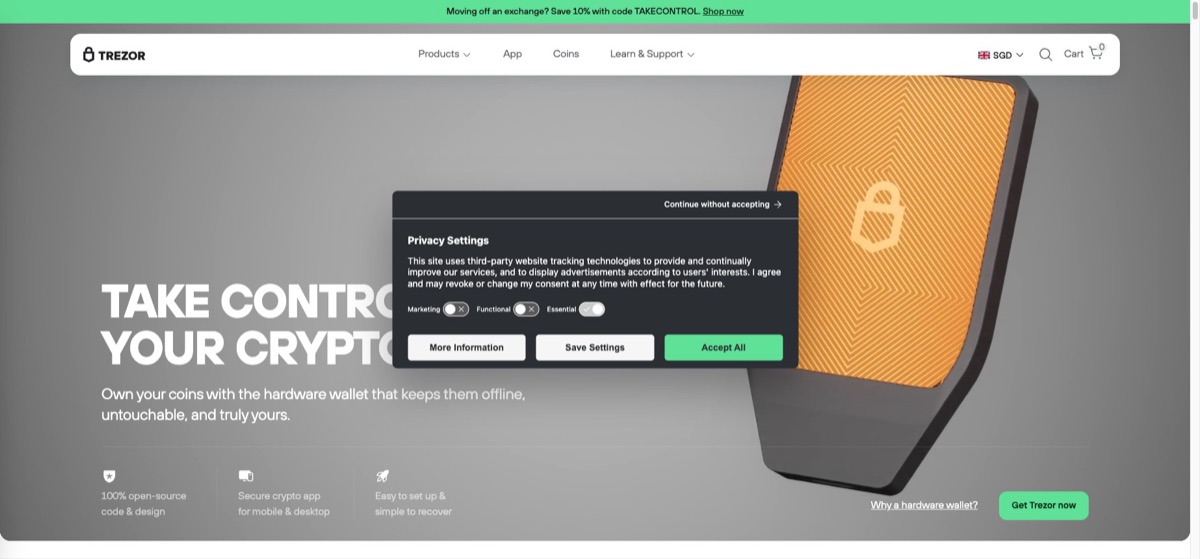
Trezor invented the hardware wallet category, and it remains one of the two names most holders shortlist when they decide to move crypto off exchanges. Its pitch is different from its main rival: everything, from the firmware to the companion software, is open source and publicly auditable. For long-term holders who value transparency over everything else, Trezor is an easy recommendation. This review covers where that philosophy pays off, where it costs you, and who should pick it.
Verdict at a glance
A Trezor is best for holders who want offline key storage from a company with the longest track record in the business, and who like the idea that independent researchers can inspect every line of code protecting their coins. It is a weaker fit if you hold a long tail of niche tokens across many chains.
| Category | Rating |
|---|---|
| Security | Excellent |
| Transparency | Excellent |
| Long-term storage | Excellent |
| Coin support | Good |
| Everyday convenience | Moderate |
The original hardware wallet
Trezor is made by SatoshiLabs, a company based in Prague in the Czech Republic. In 2014 it shipped the first commercial hardware wallet ever sold, creating the product category that every competitor, including Ledger, later entered. The device concept, the recovery-phrase standard most wallets now use, and many security habits the industry takes for granted trace back to that early work, and a decade of public scrutiny is a meaningful signal in a market where wallet brands come and go.
The core job is the cold-storage model described in our guide to crypto wallets: private keys are generated and stored on a small offline device, and every transaction must be physically confirmed on that device before it is signed. Malware on your computer can see your balance, but it cannot move your coins.
Open source versus the closed-chip approach
The defining difference between Trezor and its biggest competitor is philosophical. Trezor’s firmware and software are fully open source, so anyone can audit exactly what the device does with your keys. Ledger, which we cover in our full Ledger wallet review, relies on a proprietary secure element chip whose inner workings are closed and cannot be independently inspected.
Both positions are defensible, and the trade is worth understanding honestly. Open source means no hidden behavior and no need to trust the vendor’s word, but the classic Trezor models were built without a secure element, and researchers have demonstrated that an attacker with physical possession of an older device and specialist equipment can extract the seed. Trezor’s answer is the passphrase feature, an extra word or sentence that is never stored on the device and makes an extracted seed useless on its own. Newer models have also added secure element chips while keeping the firmware open, closing much of the gap. The practical takeaway: remote attacks are blocked by design on any model, and physical-theft attacks are a manageable risk with a passphrase or a current-generation device.
Models and Trezor Suite
The lineup follows a familiar shape. There is an entry-level model with buttons and a small screen that covers the essentials at the lowest cost, and there are touchscreen flagships with larger color displays, secure elements, and support for more recovery options. Prices change with retailers and regions, so check current listings, but the pattern is consistent: the entry device is one of the cheapest ways to get real cold storage, while the flagship sits at the premium end of the market.
Every model is managed through Trezor Suite, the companion app for desktop and browser. Suite handles sending, receiving, portfolio tracking, and buying or swapping through integrated third-party providers, and it supports staking for certain coins on compatible models. It is clean, uncluttered, and notably free of upsells. Importantly, a Trezor does not depend on the company’s servers to work: Suite can connect to your own node, and the device is compatible with independent wallets such as Electrum, so your coins remain accessible even if SatoshiLabs disappeared tomorrow.
Supported coins
Trezor supports the major assets almost everyone actually holds, including bitcoin, ethereum and ERC-20 tokens, litecoin, cardano, and many others. Coverage differs by model, with the newer devices supporting more chains than the entry model, so check the compatibility list for your specific portfolio before buying. The honest comparison is that Ledger supports a longer tail of smaller chains and tokens. If your holdings are concentrated in bitcoin and other large caps, the difference is irrelevant. If you hold assets across many niche ecosystems, verify support first, because this is the most common reason buyers end up choosing the competitor instead.
Phishing and everyday habits
Hardware wallet owners are prime phishing targets across every brand, and waves of fake emails, fake support agents, and fake “security update” pages circulate constantly. The rule that keeps a Trezor owner safe is simple: your recovery phrase is written down offline and never typed into any website, app, or support chat, no matter how official it looks. No legitimate message from Trezor will ever ask for it.
Who it is for
Buy a Trezor once your holdings are worth more than the price of the device several times over. It is the natural pick for open-source advocates, bitcoin-focused holders, and anyone planning to park coins untouched for years. If you are still making your first purchase, start with our guide on how to buy crypto, then move the balance to cold storage once it is worth protecting. Active traders moving funds daily will find the physical confirmation step tedious, and that friction is the point.
Pros and cons
Pros
- Fully open-source firmware and software, independently auditable
- Longest track record of any hardware wallet maker, since 2014
- No dependency on company servers; works with independent wallets and your own node
- Passphrase support and newer secure element models address physical-attack risk
- Trezor Suite is clean and free of aggressive upsells
Cons
- Physical seed extraction has been demonstrated on older models without a passphrase
- Supports fewer niche chains and tokens than Ledger
- Flagship touchscreen model sits at the premium end of the price range
- Every transaction requires physical confirmation, which slows daily use
Frequently asked questions
Is Trezor safe? Yes, for its core job. Keys stay offline and remote attacks are blocked by design. The documented physical-access risk on older models is neutralized by using a passphrase or a current model with a secure element.
Is Trezor better than Ledger? Trezor wins on transparency and open-source auditability. Ledger wins on breadth of coin support. Both are solid choices for cold storage; the right one depends on which of those you weight more heavily.
What happens if I lose my Trezor? Your coins are recoverable on a new device, or on any compatible wallet, using your recovery phrase. The device is replaceable; the phrase is not.
Was Trezor really the first hardware wallet? Yes. SatoshiLabs launched the original Trezor in 2014, before any competitor shipped a comparable device.
Do I need the expensive model? Not necessarily. The entry model provides the same fundamental protection of offline keys. Pay more if you want the touchscreen, a secure element, or support for additional chains.
Can I use a Trezor with an exchange? Yes. The standard workflow is to buy on an exchange such as Kraken, then withdraw to your Trezor address so the coins sit in self-custody rather than on the platform.
Related reading
- How to buy bitcoin, for a step-by-step first purchase
- What is blockchain, for background on the technology securing your coins
- Binance vs Coinbase, for choosing where to buy before you self-custody